Featured Guide
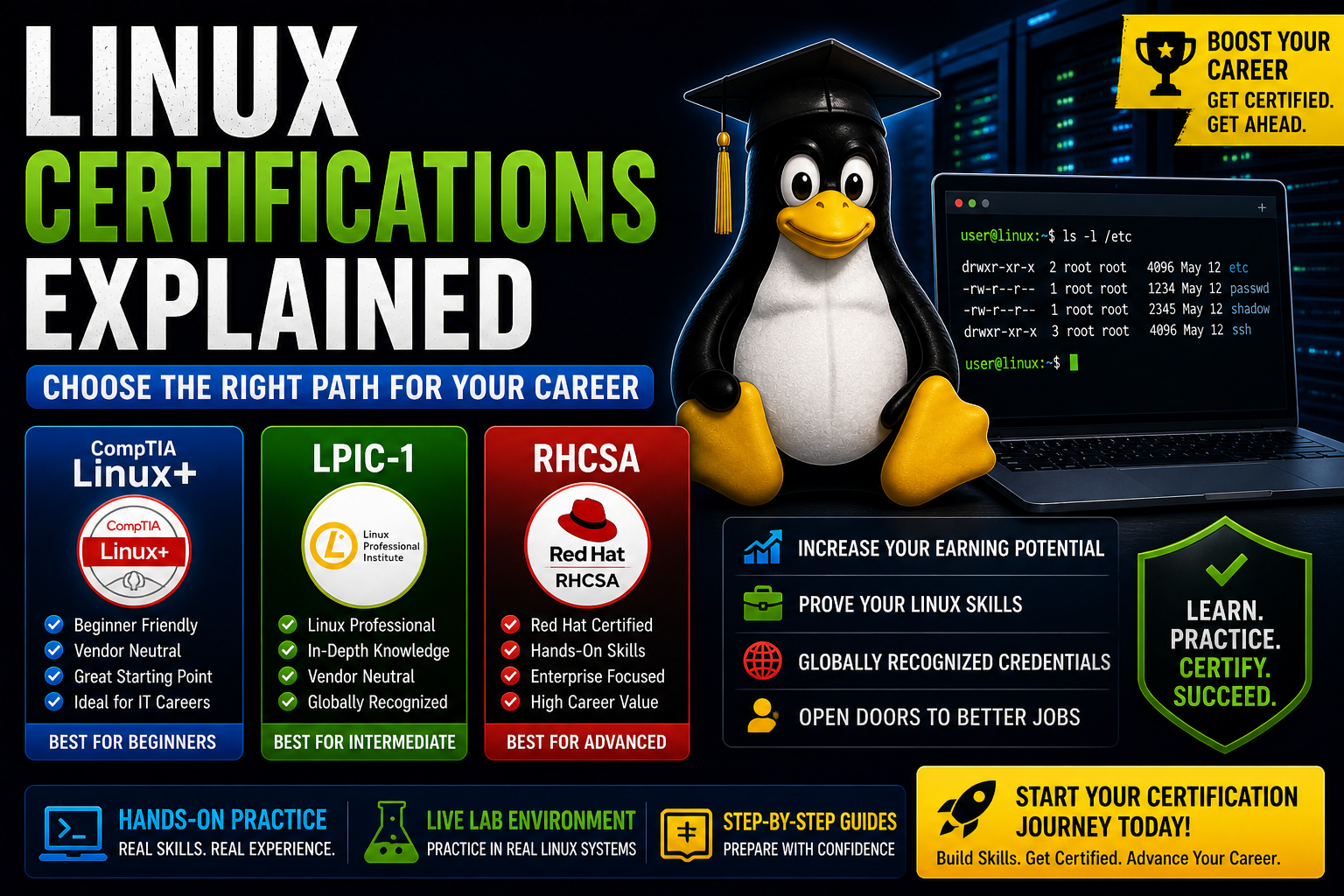
Linux Certifications Explained (Linux+, LPIC, RHCSA Guide)
Learn about the most popular Linux certifications and which one is right for you.
Read Article →
Learn Linux from the ground up with structured modules, hands-on labs, live Docker-powered terminals, command mastery, troubleshooting practice, quizzes, and certification-style exams.
Listen to this short overview before starting your Linux journey.
This program is built to help students move from beginner command-line confidence to real-world Linux administration skill.
Nine focused modules covering Linux foundations, servers, security, networking, storage, Docker, Bash, and exam review.
Practice guided certification-style missions that teach real commands, real workflows, and real troubleshooting habits.
Launch your own temporary Linux lab in the browser, install software, test commands, and reset safely.
Ask beginner-friendly Linux questions while practicing in the live lab, with helpful command guidance built in.
Prepare for Linux+, LPIC, RHCSA-style thinking, and real-world system administration scenarios.
Track modules, labs, quizzes, final exam progress, and prepare for certificate generation after completion.
Read step-by-step Linux articles covering commands, servers, NGINX, PHP, MySQL, WordPress, security, and real-world admin skills.
Build practical systems such as web servers, hosted websites, LEMP stacks, WordPress installs, backups, and deployment workflows.
Continue learning with practical Linux guides, real-world server tutorials, security walkthroughs, troubleshooting lessons, and hands-on administration articles.
Learn about the most popular Linux certifications and which one is right for you.
Read Article →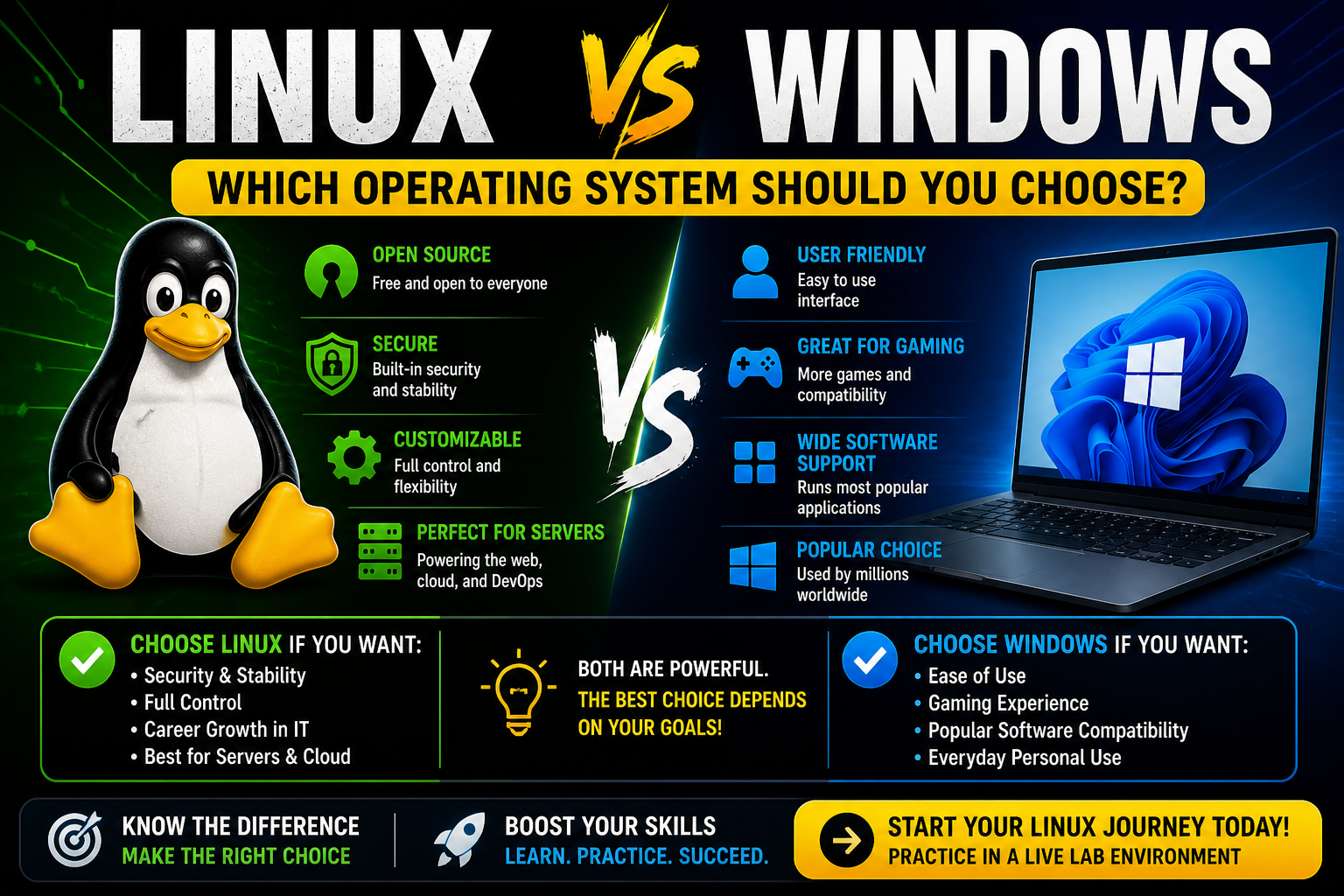
Compare Linux and Windows to decide which operating system is best for your needs.
Read Article →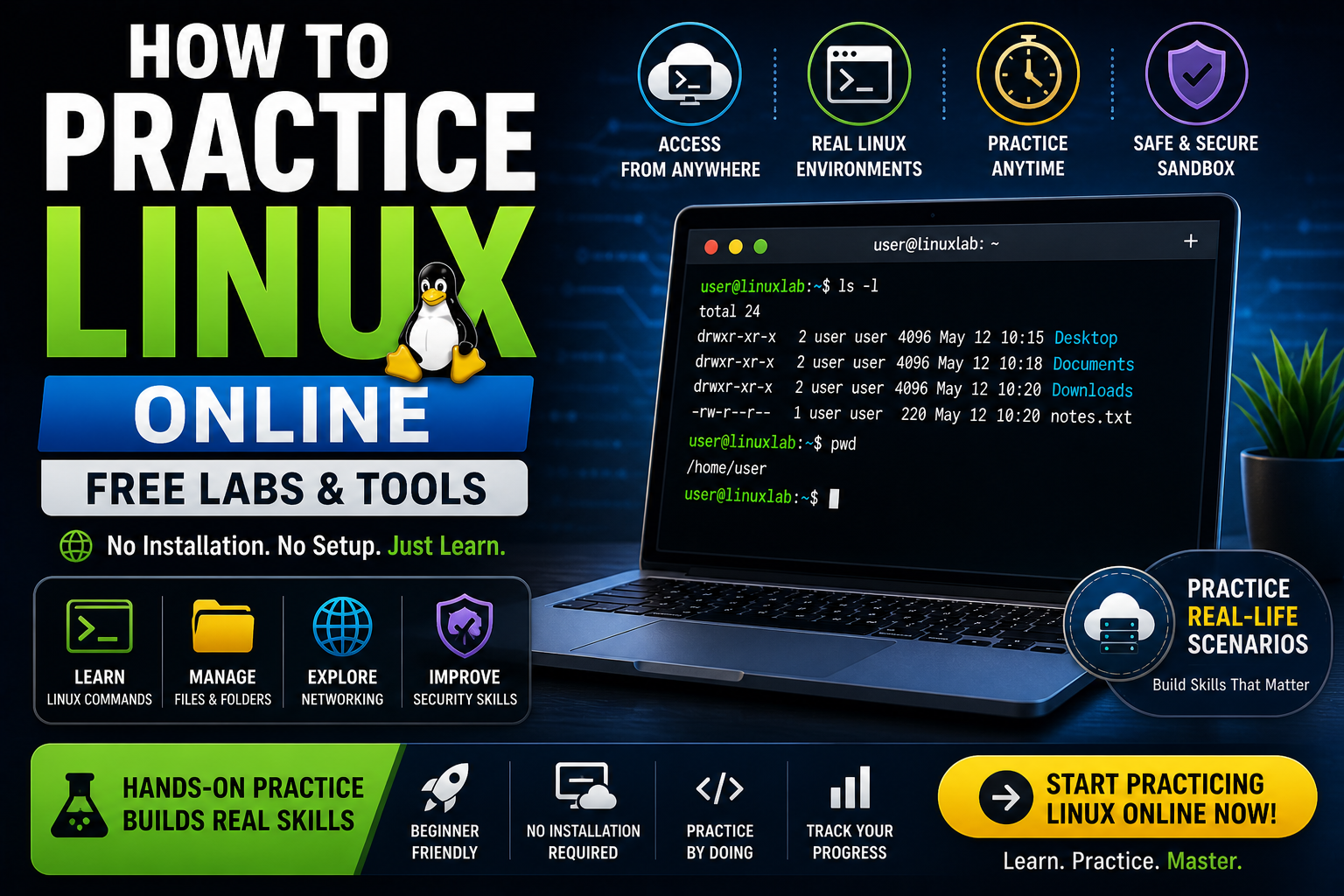
Learn how to practice Linux online using free labs and real environments without installing anything.
Read Article →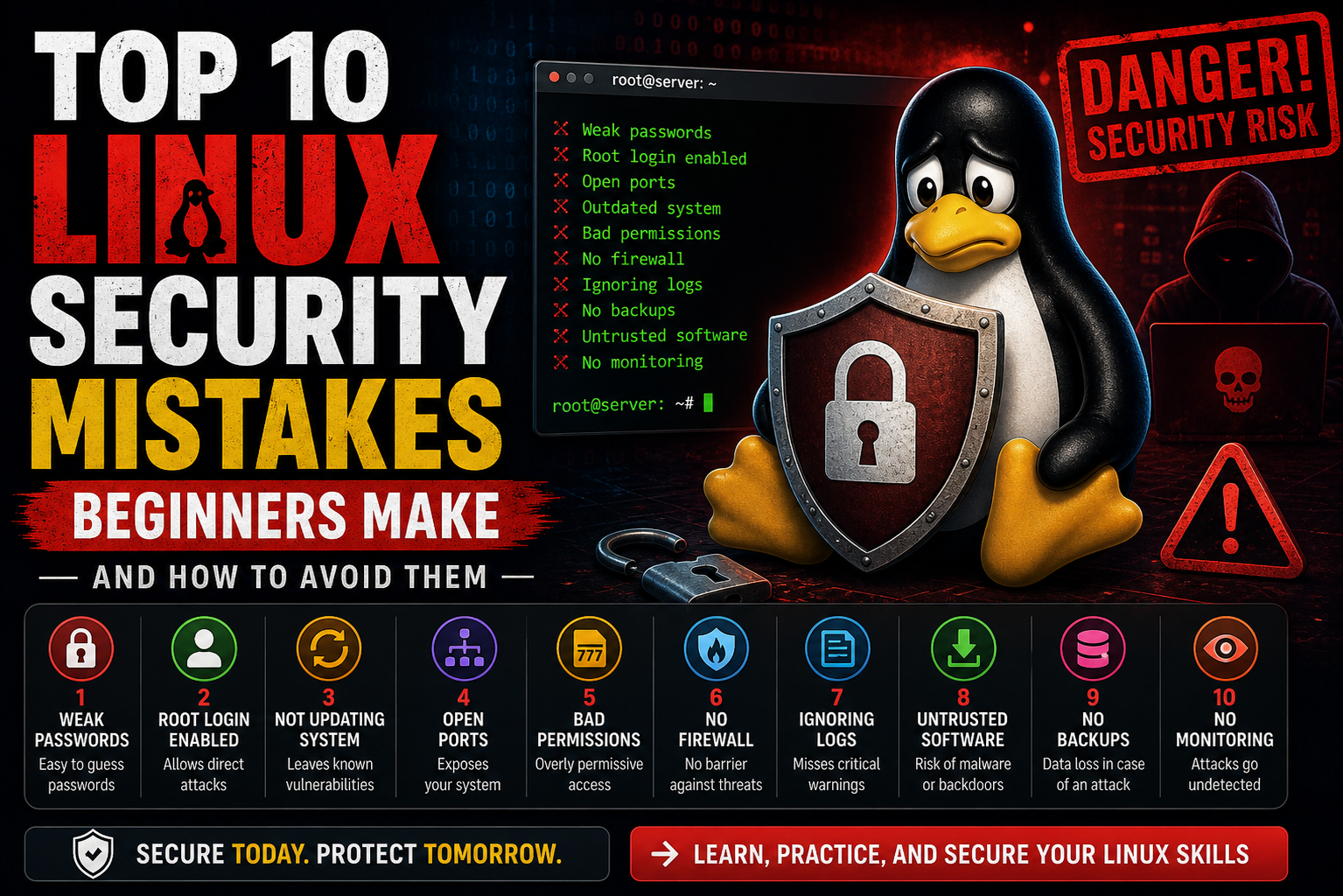
Avoid the most common Linux security mistakes beginners make and learn how to properly secure your system.
Read Article →Linux is not learned by watching alone. You learn it by typing commands, reading output, breaking things safely, and fixing them.
Whether you want to manage servers, prepare for certification, build web systems, learn DevOps basics, or become more confident at the command line, Linux Certification University gives you a structured path and real practice.