
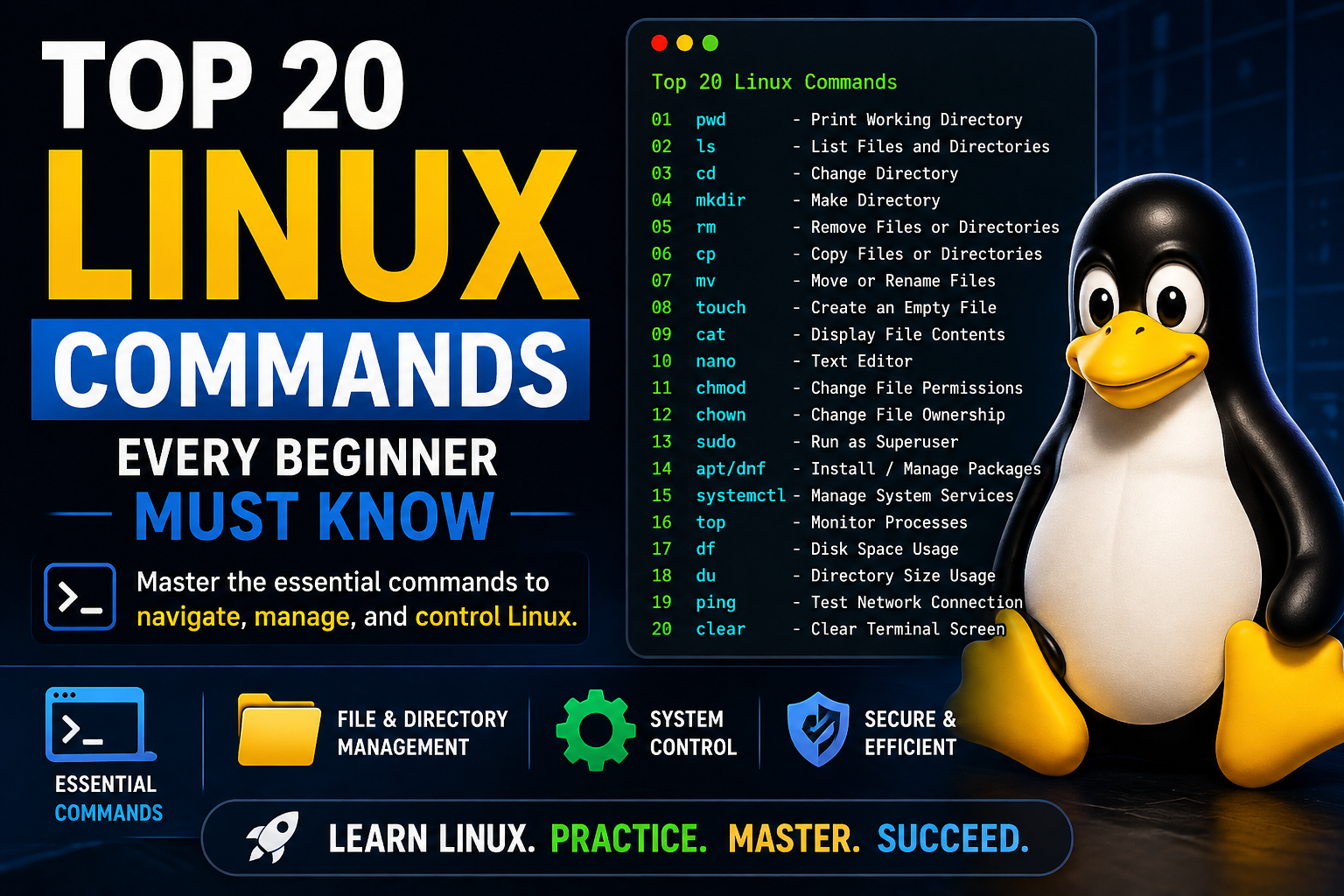
Top 20 Linux Commands Every Beginner Must Know
Learn the top 20 essential Linux commands every beginner should know to navigate, manage files, and control your system with confidence.
Top 20 Linux Commands Every Beginner Must Know
If you're starting your journey with Linux, learning the command line is one of the most important skills you can develop.
In this guide, we’ll cover the top 20 Linux commands that every beginner should know.
1. pwd (Print Working Directory)
pwdShows your current location in the file system.
2. ls (List Files)
lsLists files and directories.
3. cd (Change Directory)
cd /homeMoves you between directories.
4. mkdir (Make Directory)
mkdir newfolderCreates a new folder.
5. rm (Remove)
rm file.txtDeletes files.
6. cp (Copy)
cp file.txt backup.txtCopies files.
7. mv (Move)
mv file.txt folder/Moves or renames files.
8. touch
touch file.txtCreates an empty file.
9. cat
cat file.txtDisplays file contents.
10. nano
nano file.txtSimple text editor.
11. chmod
chmod 755 script.shChanges file permissions.
12. chown
chown user:group file.txtChanges file ownership.
13. sudo
sudo apt updateRuns commands as administrator.
14. apt / dnf
sudo apt install nginxInstalls software.
15. systemctl
systemctl status nginxManages services.
16. top
topShows system processes.
17. df
df -hShows disk usage.
18. du
du -sh *Shows folder sizes.
19. ping
ping google.comTests network connection.
20. clear
clearClears the terminal screen.
Why These Commands Matter
These commands form the foundation of Linux system administration. Mastering them allows you to control your system efficiently.
Practice Makes Perfect
The best way to learn Linux is by practicing these commands yourself.
👉 Start practicing Linux commands in a live lab now
Final Thoughts
Learning Linux commands may seem overwhelming at first, but with consistent practice, you’ll quickly gain confidence and skill.
Practice Linux Commands for Free
Reading is helpful, but Linux skill comes from practice. Create a free account and use Linux Certification University’s live Linux lab, command guides, modules, quizzes, and troubleshooting practice.
Create Free Account Back to Blog