
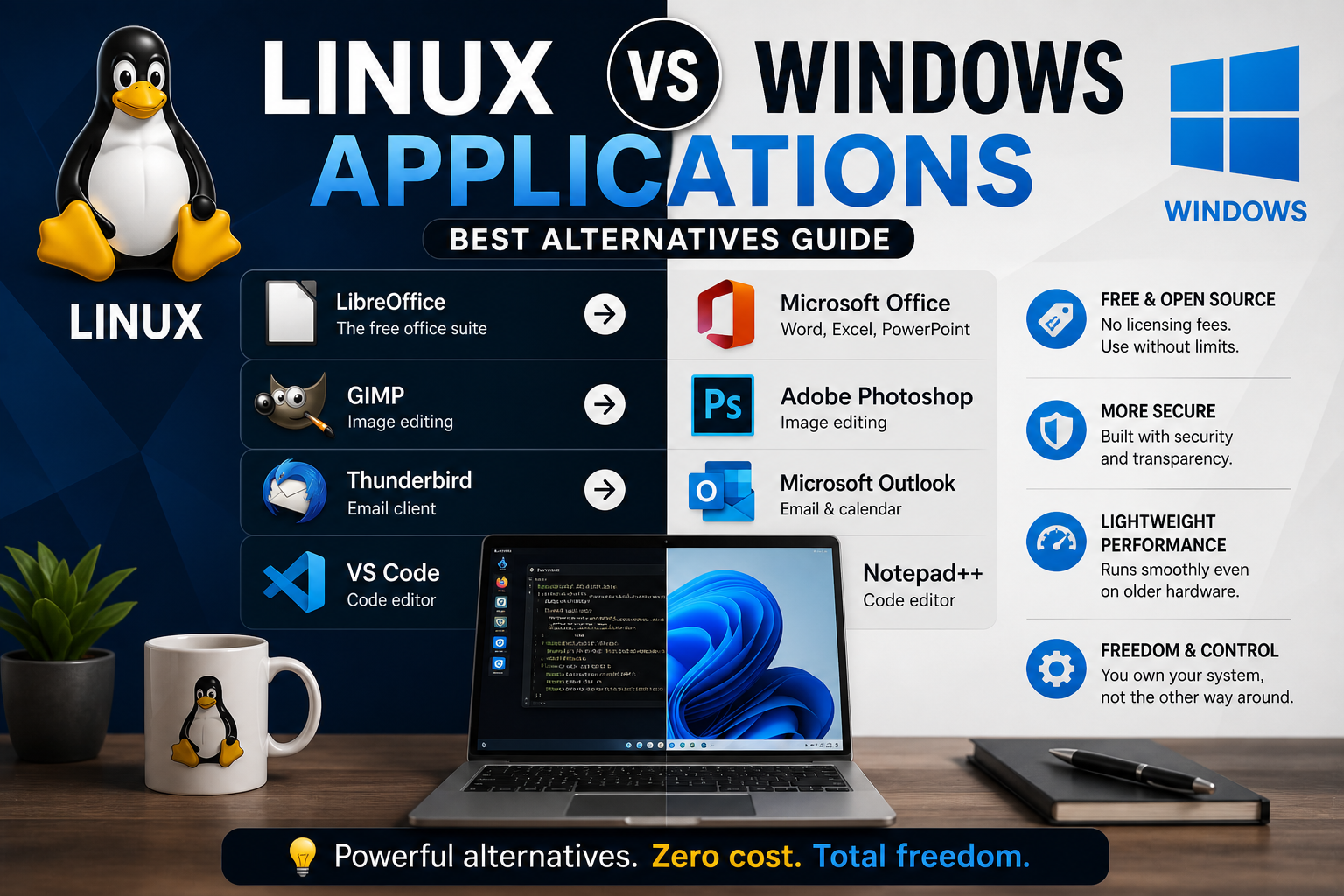
Linux vs Windows Applications (Best Alternatives Guide)
Discover the best Linux alternatives to popular Windows applications like Microsoft Office, Photoshop, and Outlook, and learn why many users switch.
Linux vs Windows Applications (Best Alternatives Guide)
One of the most common questions new Linux users ask is: “Will I still have the software I need?”
The answer is yes — and in many cases, Linux offers powerful, free, and open-source alternatives.
Office Applications
- Microsoft Office → LibreOffice / FreeOffice
LibreOffice includes:
- Writer (Word alternative)
- Calc (Excel alternative)
- Impress (PowerPoint alternative)
Image Editing
- Adobe Photoshop → GIMP
GIMP offers:
- Advanced editing tools
- Layers and filters
- Free and open-source usage
Email Clients
- Microsoft Outlook → Thunderbird
Thunderbird provides:
- Email management
- Calendar integration
- Strong security features
Code Editors
- Notepad++ → VS Code / Vim / Nano
Linux offers both beginner-friendly and advanced tools.
Web Browsers
- Chrome → Chrome / Chromium
- Edge → Firefox
Advantages of Linux Applications
- Free and open-source
- No licensing costs
- More secure
- Lightweight performance
When Windows Apps Are Still Needed
Some specialized software may still require Windows, such as:
- Advanced design tools
- Specific business software
- Certain games
In these cases, you can use:
- Wine
- VirtualBox
- VMware
Why This Matters
Understanding software alternatives helps you:
- Transition smoothly to Linux
- Save money on licenses
- Gain flexibility and control
Final Thoughts
Linux is not lacking software — it simply offers different, often better, options.
Practice Linux Commands for Free
Reading is helpful, but Linux skill comes from practice. Create a free account and use Linux Certification University’s live Linux lab, command guides, modules, quizzes, and troubleshooting practice.
Create Free Account Back to Blog