
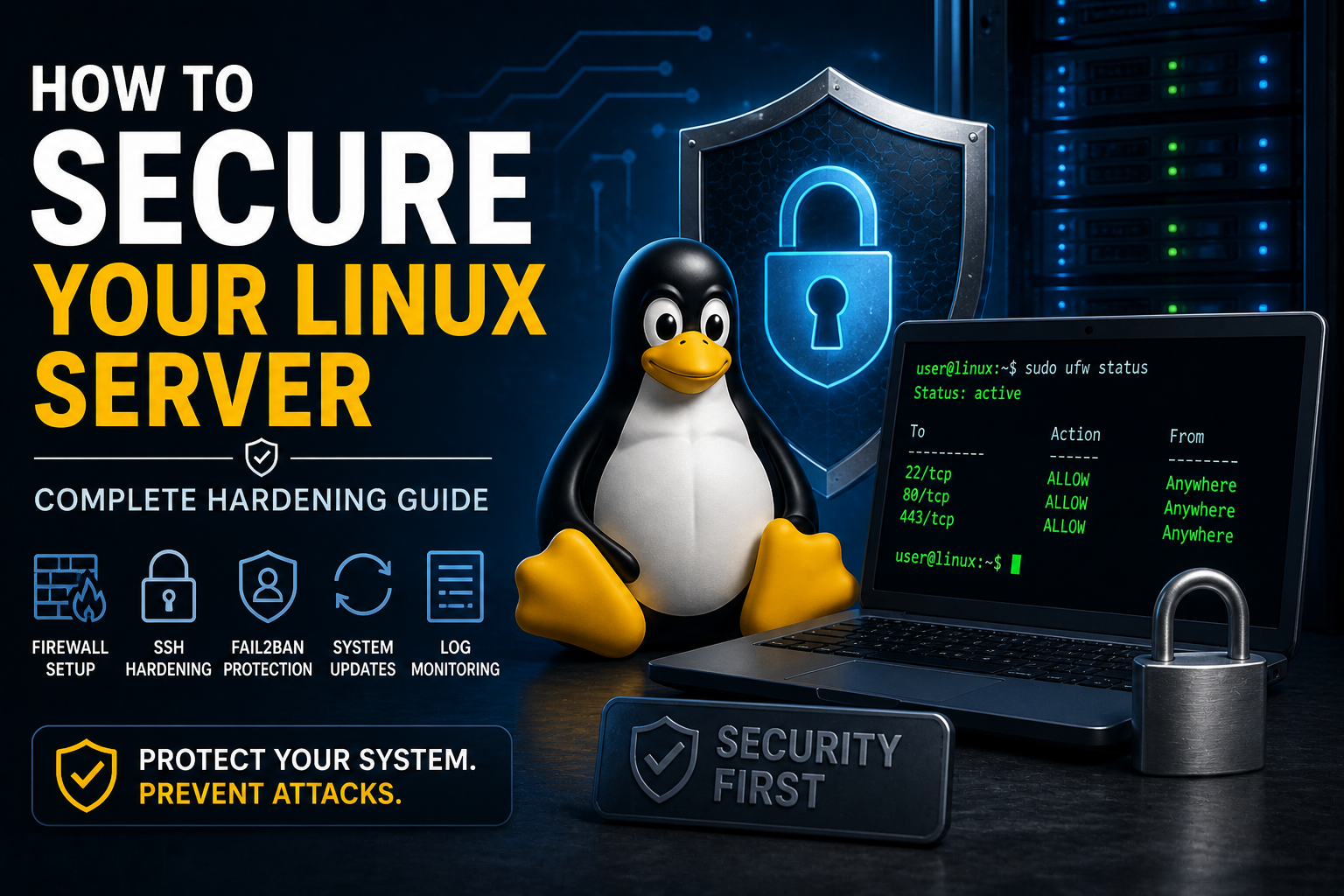
Linux Security Guide (Hardening & Protection)
Learn how to secure your Linux system with firewalls, SSH hardening, updates, and best practices to protect against hackers and malware.
How to Secure Your Linux Server (Complete Hardening Guide)
Security is one of the most important responsibilities of any Linux user or system administrator.
Even a basic system can be vulnerable if not properly configured. In this guide, you will learn how to harden your Linux system against hackers, malware, and unauthorized access.
Step 1: Keep Your System Updated
Outdated software is one of the biggest security risks.
sudo apt update && sudo apt upgrade -y
Or on Red Hat-based systems:
sudo dnf update -y
Step 2: Enable a Firewall
A firewall controls incoming and outgoing network traffic.
sudo apt install ufw -y
sudo ufw enable
sudo ufw allow OpenSSH
Check status:
sudo ufw status
Step 3: Secure SSH Access
SSH is a common attack target, so securing it is critical.
Edit SSH configuration:
sudo nano /etc/ssh/sshd_config
Recommended changes:
PermitRootLogin no
PasswordAuthentication no
Restart SSH:
sudo systemctl restart ssh
Step 4: Use SSH Keys Instead of Passwords
ssh-keygen
ssh-copy-id user@server
This eliminates password-based attacks.
Step 5: Install Fail2Ban
Fail2Ban blocks repeated login attempts automatically.
sudo apt install fail2ban -y
sudo systemctl enable fail2ban
sudo systemctl start fail2ban
Step 6: Disable Unnecessary Services
Every running service increases attack surface.
sudo systemctl list-units --type=service
Disable anything not needed:
sudo systemctl disable servicename
Step 7: Monitor Logs
Logs reveal suspicious activity.
sudo journalctl -xe
Or:
tail -f /var/log/auth.log
Step 8: Install Malware Scanning Tools
sudo apt install clamav -y
sudo freshclam
sudo clamscan -r /
Step 9: Use Strong Password Policies
- Use long passwords
- Avoid dictionary words
- Change passwords regularly
Why This Matters
A secure Linux system:
- Prevents unauthorized access
- Protects sensitive data
- Maintains uptime and reliability
Final Thoughts
Security is not a one-time setup — it is an ongoing process.
The more layers of protection you add, the safer your system becomes.
Practice Linux Commands for Free
Reading is helpful, but Linux skill comes from practice. Create a free account and use Linux Certification University’s live Linux lab, command guides, modules, quizzes, and troubleshooting practice.
Create Free Account Back to Blog