
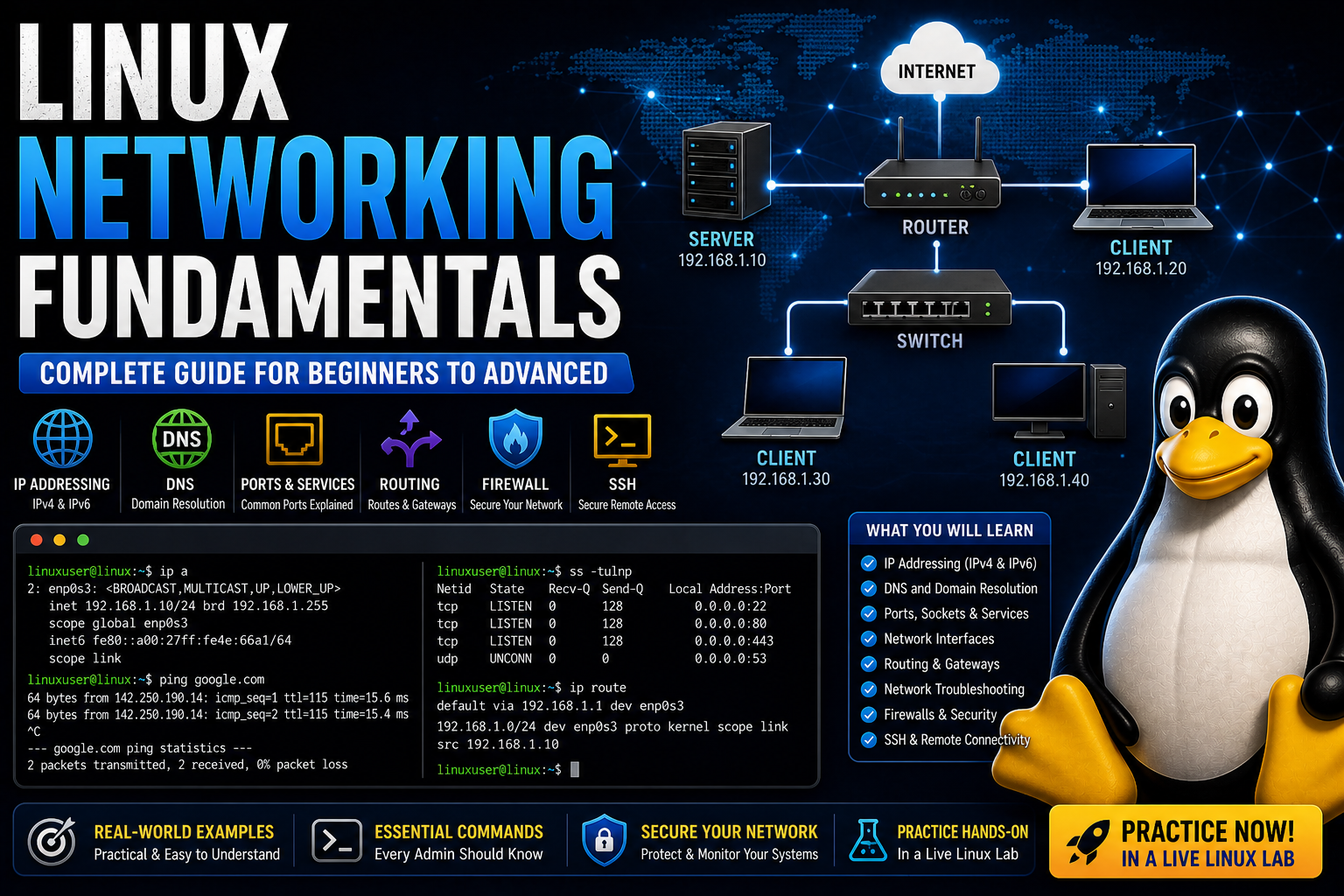
Linux Networking Fundamentals (Complete Beginner to Advanced Guide)
Learn Linux networking from the ground up, including IP addressing, DNS, ports, routing, and essential commands used by system administrators.
Linux Networking Fundamentals (Complete Beginner to Advanced Guide)
Networking is one of the most critical skills in Linux system administration. Understanding how systems communicate is essential for troubleshooting, server management, and real-world deployments.
This guide will take you from basic concepts to practical Linux networking commands used every day by professionals.
What is Networking?
Networking allows computers to communicate with each other over a system of connections.
In Linux, networking controls:
- Internet access
- Server communication
- Remote connections (SSH)
- Web hosting
IP Addresses Explained
Every device on a network has an IP address.
Example:
192.168.1.10- Private IP → used inside local networks
- Public IP → visible on the internet
Check Your IP Address
ip aOr:
hostname -IUnderstanding DNS (Domain Name System)
DNS converts domain names into IP addresses.
Example:
google.com → 142.250.190.14Test DNS Resolution
dig google.comOr:
nslookup google.comPorts and Services
Ports allow multiple services to run on one machine.
- 80 → HTTP
- 443 → HTTPS
- 22 → SSH
- 3306 → MySQL
Check Open Ports
ss -tulnpPing (Test Connectivity)
ping google.comThis checks if a host is reachable.
Traceroute (Path Tracking)
traceroute google.comShows the path packets take across networks.
Network Interfaces
Network interfaces connect your system to a network.
View Interfaces
ip linkRouting Basics
Routing determines where network traffic goes.
View Routing Table
ip routeEditing Network Configuration
Configuration files depend on your distribution:
- Ubuntu → Netplan
- RHEL → NetworkManager
Firewall Basics
Firewalls control network traffic.
sudo ufw enablesudo ufw allow 22SSH (Remote Access)
SSH allows remote login into systems.
ssh user@server_ipCommon Troubleshooting Steps
- Check IP address →
ip a - Test connectivity →
ping - Check DNS →
dig - Check ports →
ss -tulnp - Review logs →
journalctl
Why Networking Matters
- Required for server administration
- Critical for troubleshooting
- Essential for certifications
- Used in cloud and DevOps environments
Practice in a Real Environment
The best way to learn networking is by testing commands yourself.
👉 Practice Linux networking in a live lab now
Final Thoughts
Networking may seem complex at first, but once you understand the fundamentals, you gain the ability to diagnose and solve real-world problems quickly.
Mastering Linux networking is a major step toward becoming a professional system administrator.
Practice Linux Commands for Free
Reading is helpful, but Linux skill comes from practice. Create a free account and use Linux Certification University’s live Linux lab, command guides, modules, quizzes, and troubleshooting practice.
Create Free Account Back to Blog