
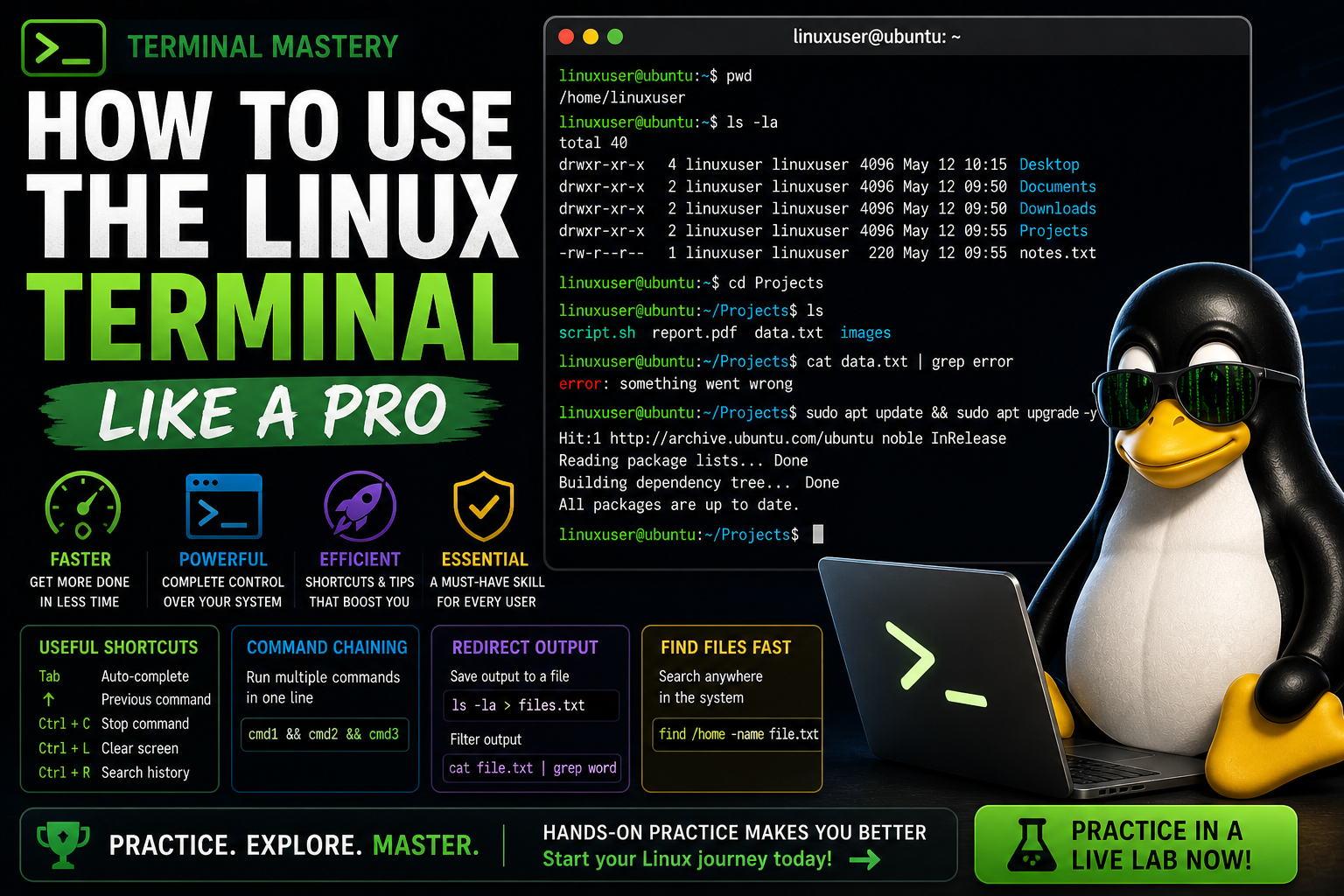
How to Use the Linux Terminal Like a Pro
Learn how to use the Linux terminal efficiently with tips, shortcuts, and commands that will make you faster and more productive.
How to Use the Linux Terminal Like a Pro
The Linux terminal is one of the most powerful tools you can learn. While it may seem intimidating at first, mastering it will make you faster, more efficient, and more capable.
Why Use the Terminal?
- Faster than graphical interfaces
- More control over your system
- Essential for servers and remote access
- Required for scripting and automation
Basic Terminal Navigation
pwdShows your current directory.
lsLists files and folders.
cd /path/to/folderMoves between directories.
Useful Shortcuts
- Tab – Auto-complete commands and paths
- Up Arrow – Repeat previous commands
- Ctrl + C – Stop a running command
- Ctrl + L – Clear the screen
Command Chaining
Run multiple commands in one line:
sudo apt update && sudo apt upgradeRedirecting Output
ls > files.txtSaves output to a file.
cat file.txt | grep wordFilters output.
Finding Files Quickly
find /home -name file.txtSearch for files anywhere in the system.
Viewing Running Processes
topMonitor system activity in real time.
Why This Matters
- Improves speed and productivity
- Essential for system administrators
- Builds real-world Linux skills
Common Mistakes
- Typing commands incorrectly
- Not using tab completion
- Running commands without understanding them
Practice Makes Perfect
The best way to master the terminal is through hands-on practice.
👉 Practice using the Linux terminal in a live lab now
Final Thoughts
The terminal is not something to fear — it is your greatest tool.
Once you become comfortable with it, you will be able to accomplish tasks quickly and efficiently.
Practice Linux Commands for Free
Reading is helpful, but Linux skill comes from practice. Create a free account and use Linux Certification University’s live Linux lab, command guides, modules, quizzes, and troubleshooting practice.
Create Free Account Back to Blog