
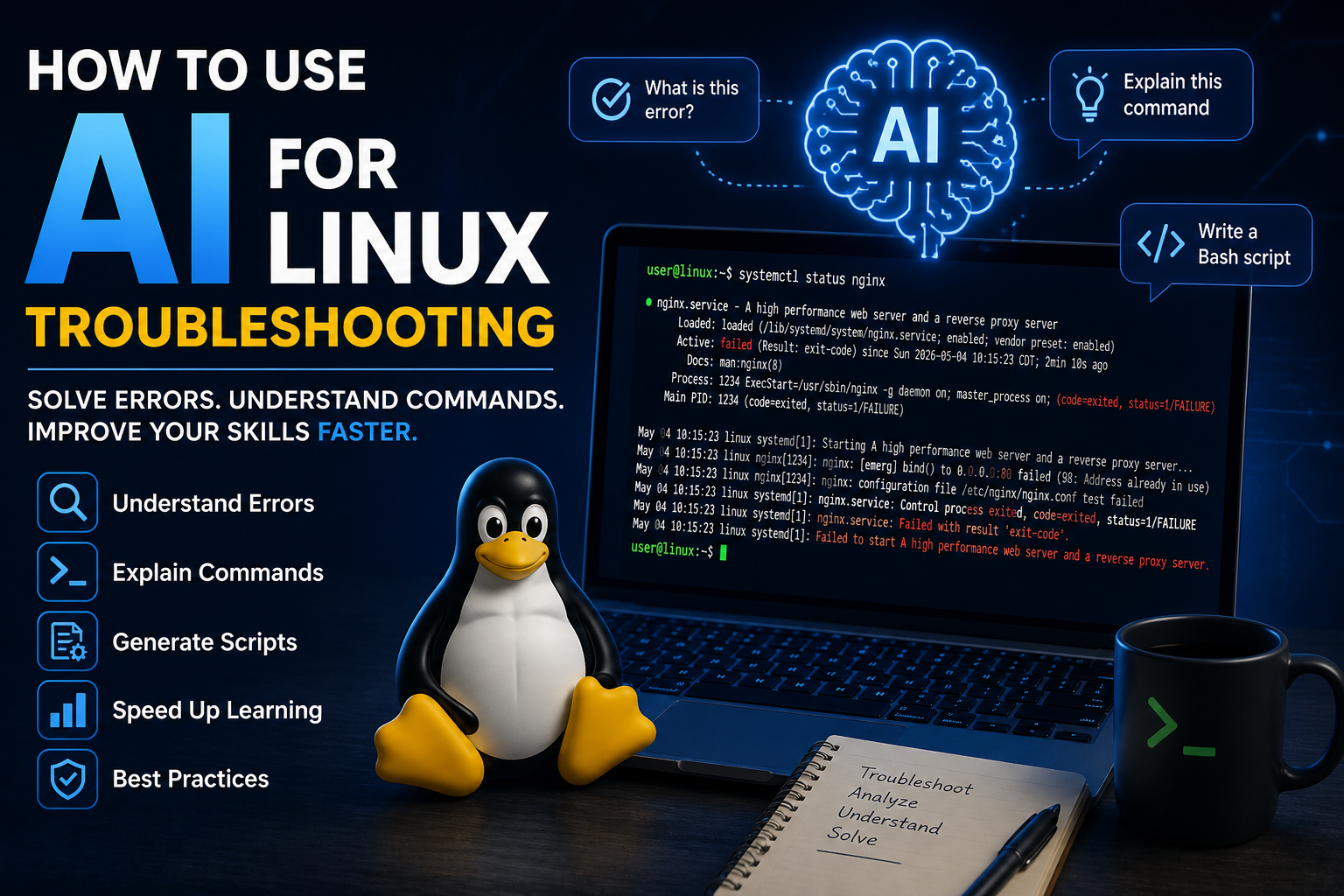
How to Use AI for Linux Troubleshooting
Learn how to use AI tools to troubleshoot Linux systems, understand errors, and accelerate your learning with real-world command examples.
How to Use AI for Linux Troubleshooting (Beginner to Advanced Guide)
Modern AI tools have completely changed the way we troubleshoot Linux systems. Instead of spending hours searching forums, you can now get clear explanations, step-by-step solutions, and command breakdowns in seconds.
In this guide, you will learn how to properly use AI as a powerful assistant while still building real Linux skills.
Why Use AI for Linux Troubleshooting?
AI can help you:
- Understand error messages instantly
- Explain complex Linux commands
- Generate scripts and automation
- Provide step-by-step solutions
- Speed up learning dramatically
Example 1: Understanding Errors
Run a command:
systemctl status nginxIf you see an error, copy the output and ask AI:
What does this error mean and how do I fix it?AI will break down:
- What failed
- Why it failed
- How to fix it
Example 2: Learning Commands
Instead of memorizing commands, ask:
Explain this command:
sudo chown -R www-data:www-data /var/www
AI will explain:
- What each part does
- When to use it
- Potential risks
Example 3: Generating Scripts
You can ask AI to create scripts:
Write a bash script to backup /var/www daily
This helps you:
- Learn automation
- Understand scripting logic
- Save time on repetitive tasks
Best Practices When Using AI
- Always verify commands before running them
- Understand what the command does
- Do not blindly copy and paste
- Test in a safe environment (like a lab)
Common Mistakes to Avoid
- Running commands without understanding them
- Skipping troubleshooting steps
- Not checking logs manually
AI + Hands-On Practice = Real Skill
AI is most powerful when combined with real practice.
Use AI to guide you, but always:
- Run the commands yourself
- Observe outputs
- Learn from mistakes
Why This Matters
Using AI correctly allows you to:
- Learn faster than traditional methods
- Become more confident in troubleshooting
- Work like a real system administrator
Final Thoughts
AI is not a replacement for learning — it is a powerful accelerator.
If used correctly, it can help you go from beginner to advanced much faster.
Practice Linux Commands for Free
Reading is helpful, but Linux skill comes from practice. Create a free account and use Linux Certification University’s live Linux lab, command guides, modules, quizzes, and troubleshooting practice.
Create Free Account Back to Blog