How to Install Software on Linux (APT, DNF, Snap Guide)
Learn how to install, update, and manage software on Linux using APT, DNF, and Snap with simple step-by-step instructions.
How to Install Software on Linux (APT, DNF, Snap Guide)
One of the first things every Linux user needs to learn is how to install software.
Unlike Windows, where you download installers from websites, Linux uses package managers to install software safely and efficiently.
What is a Package Manager?
A package manager is a tool that allows you to:
- Install software
- Update applications
- Remove programs
- Manage dependencies automatically
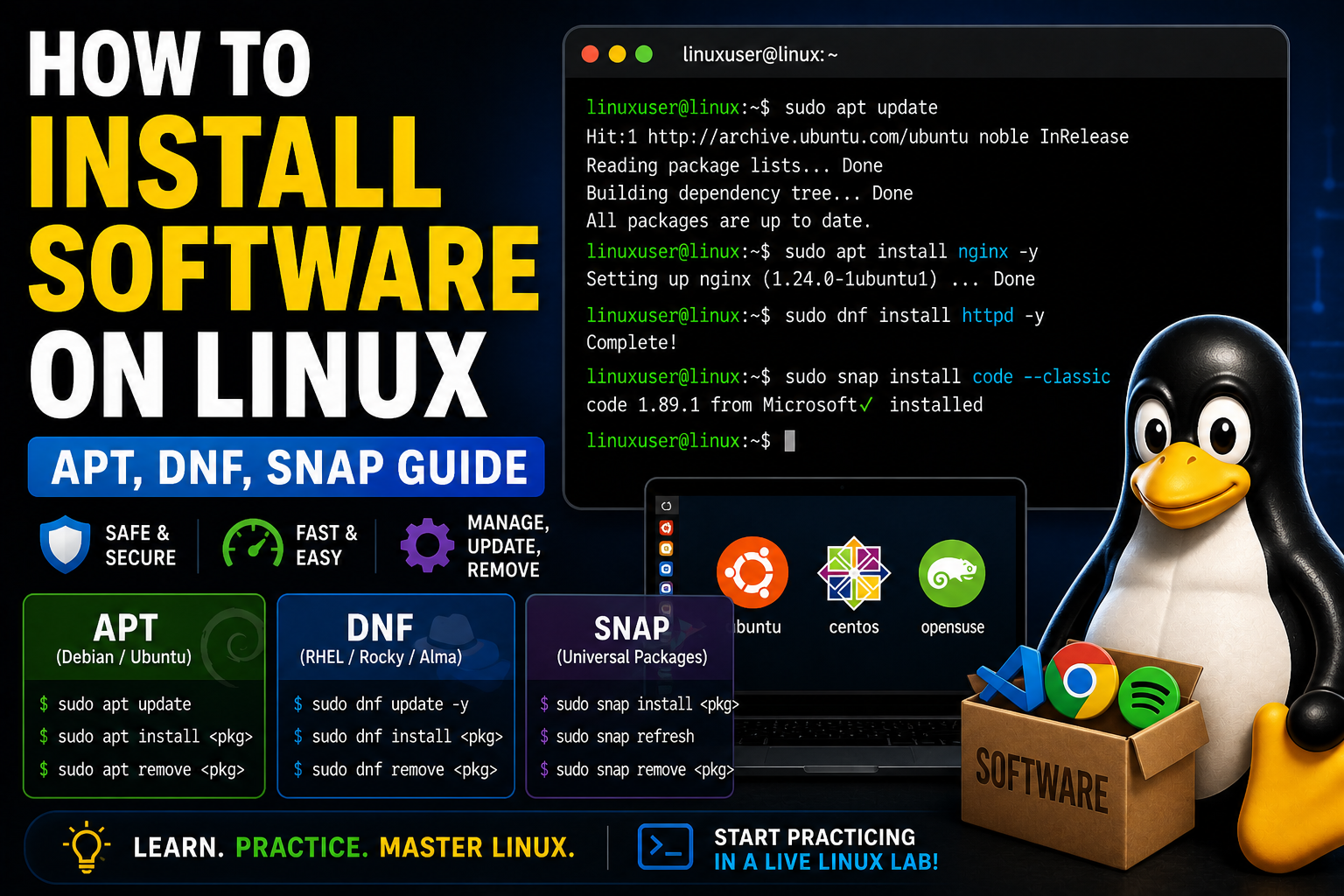
APT (Debian / Ubuntu Systems)
APT is used on Ubuntu, Debian, and similar distributions.
Update Package List
sudo apt updateInstall Software
sudo apt install nginxRemove Software
sudo apt remove nginxDNF (Red Hat / Rocky / AlmaLinux)
DNF is used on Red Hat-based systems.
Update System
sudo dnf update -yInstall Software
sudo dnf install httpdRemove Software
sudo dnf remove httpdSnap (Universal Packages)
Snap works across many Linux distributions.
Install Snap
sudo apt install snapdInstall Application
sudo snap install code --classicWhy This Matters
Using package managers:
- Keeps your system secure
- Ensures compatibility
- Saves time and effort
Common Mistakes
- Forgetting to run update before install
- Mixing package managers incorrectly
- Installing software from unknown sources
Practice in a Live Environment
The best way to learn is by doing.
👉 Practice installing software in a live Linux lab now
Final Thoughts
Learning how to install and manage software is a fundamental Linux skill.
Once you master package managers, you’ll have full control over your system.
Practice Linux Commands for Free
Reading is helpful, but Linux skill comes from practice. Create a free account and use Linux Certification University’s live Linux lab, command guides, modules, quizzes, and troubleshooting practice.
Create Free Account Back to Blog