How to Install Software in Linux (APT vs DNF Explained)
Learn how to install, update, and remove software in Linux using apt and dnf. This beginner-friendly guide explains package managers step-by-step.
How to Install Software in Linux (APT vs DNF Explained)
Installing software in Linux is very different from Windows or macOS. Instead of downloading installers from websites, Linux uses package managers to install, update, and remove software safely and efficiently.
In this guide, you will learn how to install software using the two most common systems: APT (Debian-based) and DNF (Red Hat-based).
What Is a Package Manager?
A package manager is a tool that installs and manages software from trusted repositories. It handles dependencies automatically and keeps your system updated.
👉 Think of it as an app store for Linux — but controlled entirely from the command line.
APT (Debian / Ubuntu Systems)
APT is used on systems like Ubuntu, Debian, and Linux Mint.
Update Package List
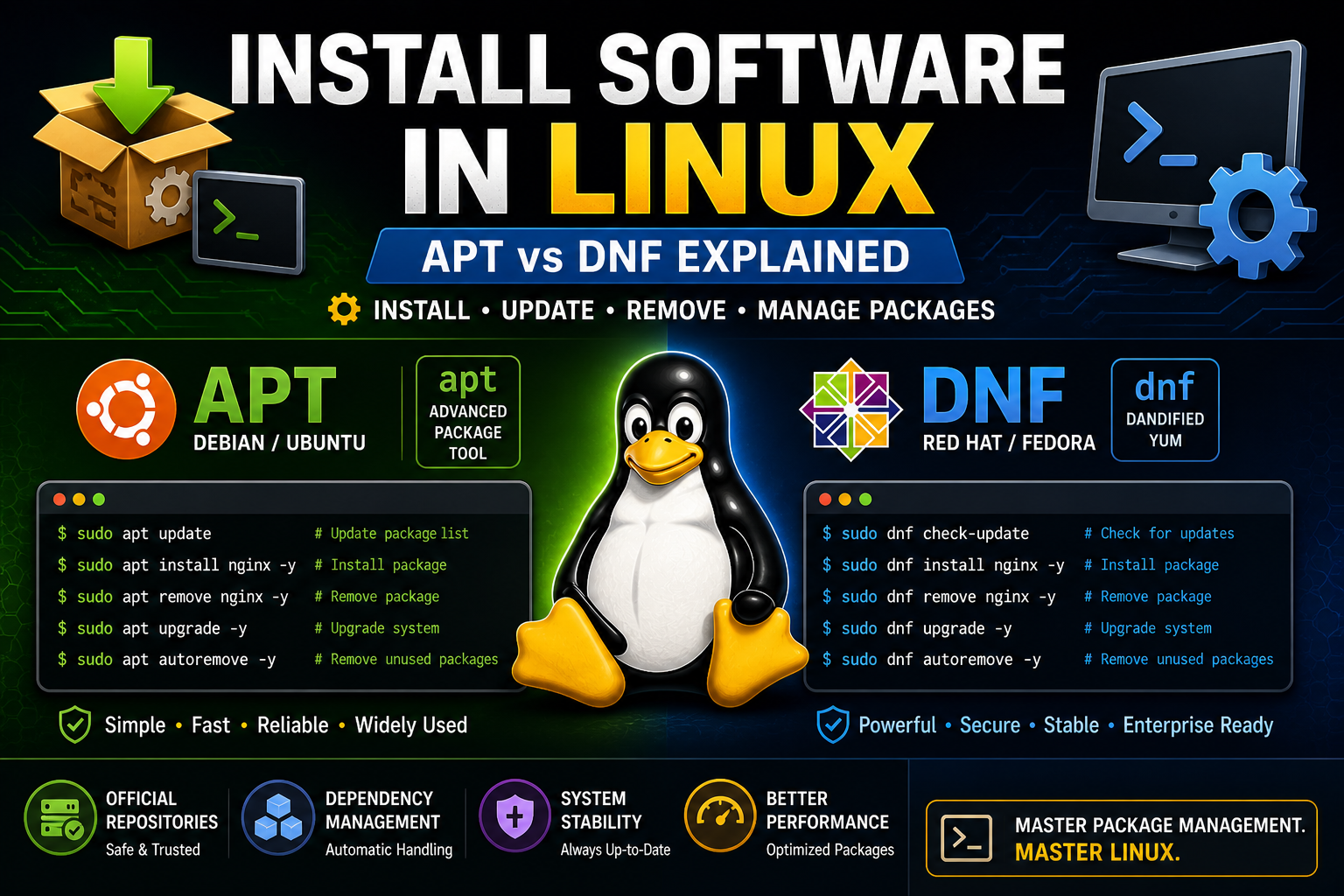
sudo apt updateThis refreshes the list of available software.
Install Software
sudo apt install nginx -yInstalls the NGINX web server.
Remove Software
sudo apt remove nginx -yUpgrade System
sudo apt upgrade -yDNF (Red Hat / Fedora Systems)
DNF is used on Fedora, Rocky Linux, and Red Hat systems.
Check for Updates
sudo dnf check-updateInstall Software
sudo dnf install nginx -yRemove Software
sudo dnf remove nginx -yUpgrade System
sudo dnf upgrade -yAPT vs DNF: Key Differences
- APT is used in Debian-based systems
- DNF is used in Red Hat-based systems
- Commands are similar but not identical
- Both install software from repositories
Why This Matters
Every Linux server depends on package management.
When you install:
- Web servers (NGINX, Apache)
- Databases (MySQL, MariaDB)
- Programming tools (PHP, Python)
You are using these commands.
Practice This Now
sudo apt update
sudo apt install nginx -y
systemctl status nginx
If you're using a Red Hat-based system:
sudo dnf install nginx -y
systemctl status nginx
Common Mistakes
- Forgetting
sudo - Not updating before installing
- Using apt on a Red Hat system (or vice versa)
What Comes Next
Now that you can install software, you're ready for the next big step:
👉 Setting up a web server.
This leads directly into:
- Installing NGINX
- Installing Apache (LAMP stack)
- Hosting websites
Final Thoughts
Learning package managers is one of the most important Linux skills.
Once you master this, you unlock the ability to build real systems.
Practice Linux Commands for Free
Reading is helpful, but Linux skill comes from practice. Create a free account and use Linux Certification University’s live Linux lab, command guides, modules, quizzes, and troubleshooting practice.
Create Free Account Back to Blog