
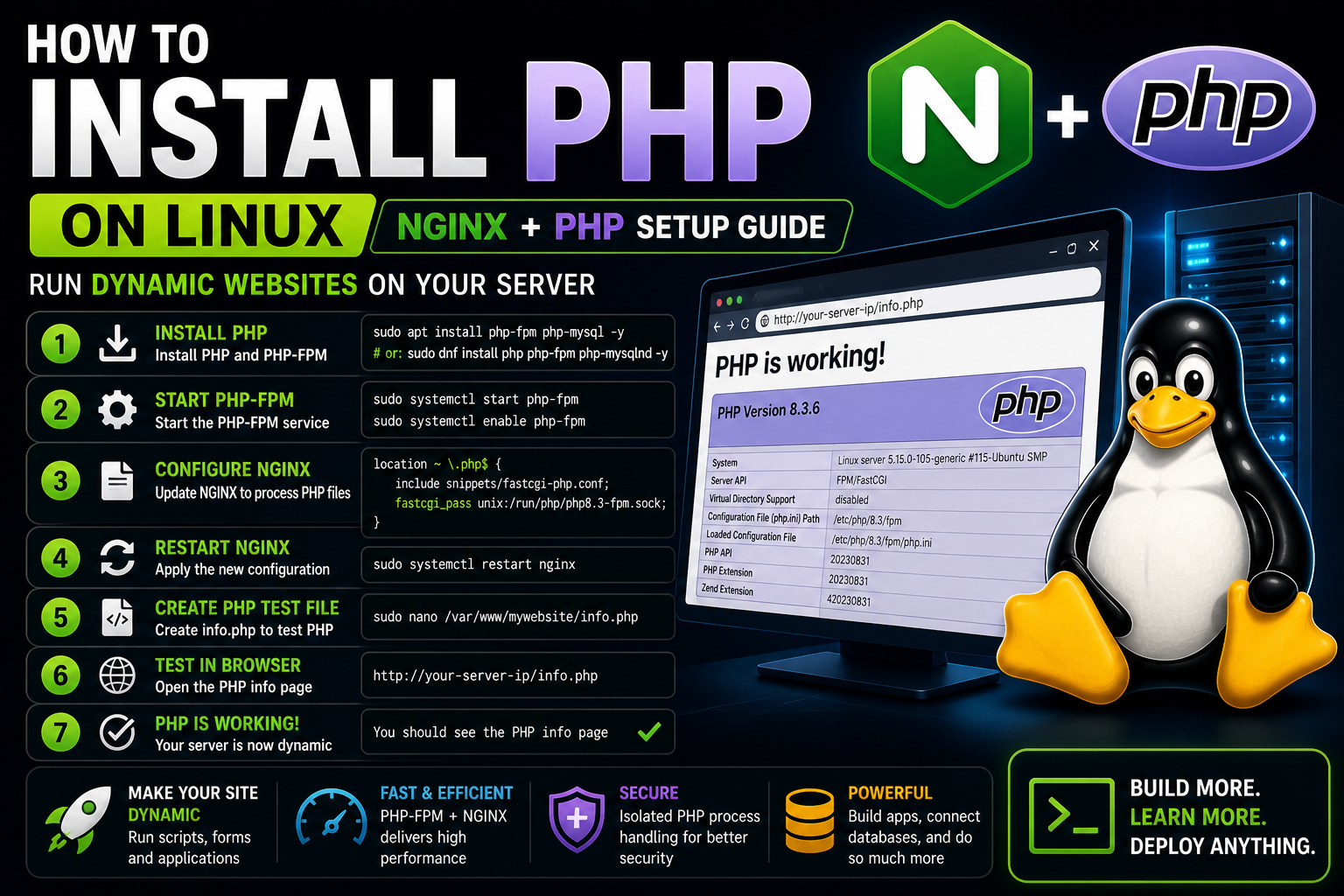
How to Install PHP on Linux (NGINX + PHP Setup Guide)
Learn how to install PHP on Linux and connect it to NGINX. This step-by-step guide shows how to run dynamic websites and test PHP on your server.
How to Install PHP on Linux (NGINX + PHP Setup Guide)
Now that you have a working NGINX server and a hosted website, it's time to make your server dynamic by installing PHP.
PHP allows your server to run scripts, process forms, and power real web applications.
What Is PHP?
PHP is a server-side scripting language used to create dynamic websites. It powers platforms like WordPress, Laravel, and many web applications.
Step 1: Install PHP
Debian / Ubuntu:
sudo apt install php-fpm php-mysql -yRed Hat / Rocky / Fedora:
sudo dnf install php php-fpm php-mysqlnd -yStep 2: Start PHP-FPM
sudo systemctl start php8.3-fpmOr (depending on system):
sudo systemctl start php-fpmStep 3: Enable PHP at Boot
sudo systemctl enable php8.3-fpmStep 4: Configure NGINX for PHP
sudo nano /etc/nginx/sites-available/mywebsiteAdd this inside your server block:
location ~ \.php$ {
    include snippets/fastcgi-php.conf;
    fastcgi_pass unix:/run/php/php8.3-fpm.sock;
}
Step 5: Restart NGINX
sudo systemctl restart nginxStep 6: Create a PHP Test File
sudo nano /var/www/mywebsite/info.phpAdd:
<?php
phpinfo();
?>
Step 7: Test in Browser
Go to:
http://your-server-ip/info.phpIf you see the PHP info page, everything is working!
Troubleshooting
- Check PHP-FPM status
- Verify socket path
- Restart NGINX
Why This Matters
You just transformed your server from static to dynamic.
Now you can run:
- Web applications
- Login systems
- Databases
- CMS platforms like WordPress
What Comes Next
Now you're ready for:
- Installing MySQL / MariaDB
- Building a full LEMP stack
- Connecting databases
Final Thoughts
You are now building real-world server infrastructure.
Practice Linux Commands for Free
Reading is helpful, but Linux skill comes from practice. Create a free account and use Linux Certification University’s live Linux lab, command guides, modules, quizzes, and troubleshooting practice.
Create Free Account Back to Blog