
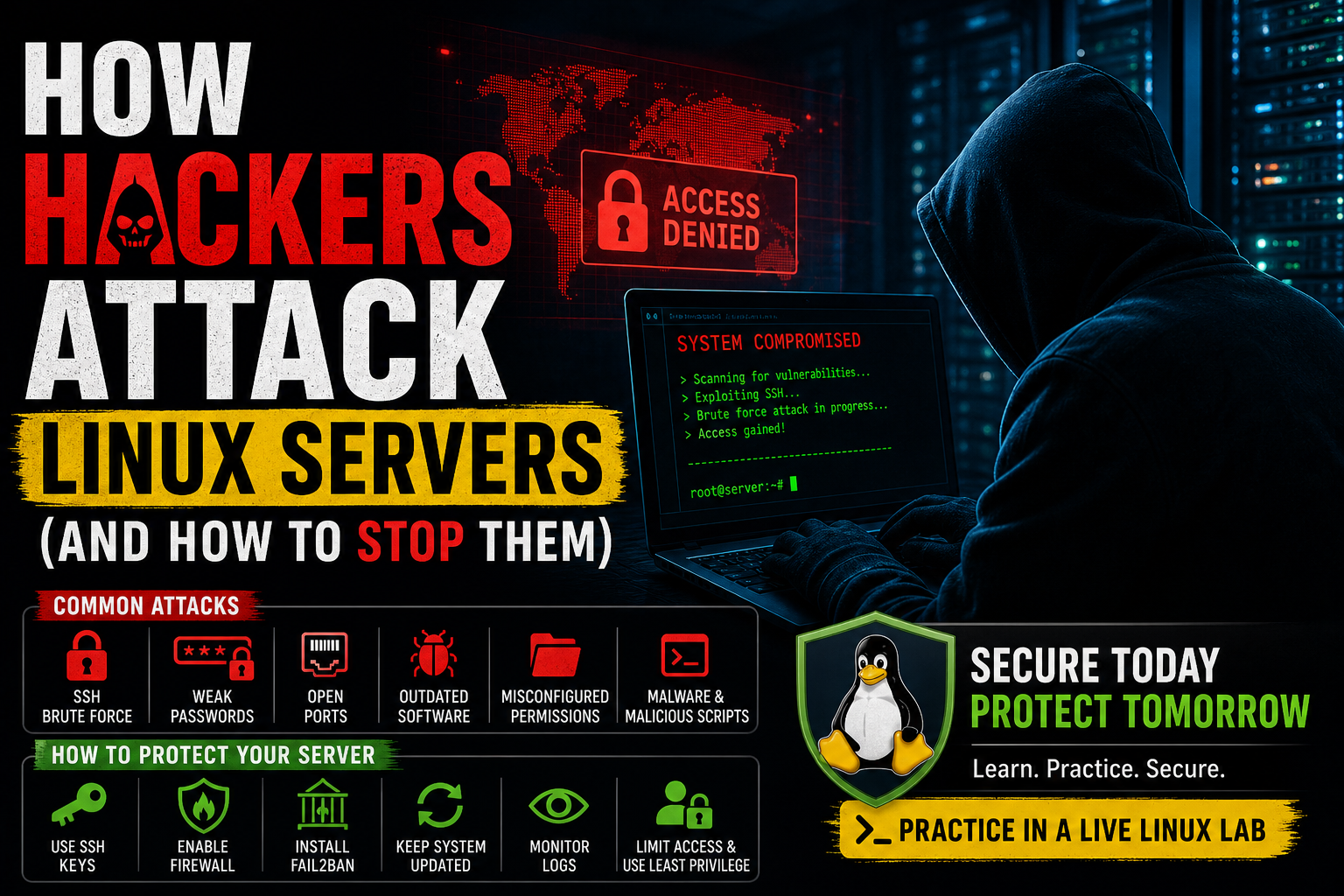
How Hackers Attack Linux Servers (And How to Stop Them)
Learn the most common ways hackers attack Linux servers and how to secure your system using proven defense strategies.
How Hackers Attack Linux Servers (And How to Stop Them)
Linux is known for being secure, but that does not mean it is immune to attacks.
In reality, most successful attacks happen because of poor configuration, weak passwords, or lack of proper security practices.
In this guide, you will learn how hackers attack Linux systems — and more importantly, how to stop them.
Common Attack #1: SSH Brute Force Attacks
Attackers constantly scan the internet for open SSH ports.
They attempt thousands of password combinations until they gain access.
How to Stop It
- Disable root login
- Use SSH keys instead of passwords
- Change default port (optional)
- Install Fail2Ban
sudo apt install fail2ban -y
Common Attack #2: Weak Passwords
Simple passwords are one of the biggest security risks.
How to Stop It
- Use long, complex passwords
- Enable key-based authentication
- Disable password login entirely
Common Attack #3: Open Ports
Every open port is a potential entry point.
Check Open Ports
ss -tulnpHow to Stop It
- Close unused ports
- Use a firewall
sudo ufw enable
sudo ufw allow 22
Common Attack #4: Outdated Software
Old software often contains known vulnerabilities.
How to Stop It
sudo apt update && sudo apt upgrade -y
Common Attack #5: Misconfigured Permissions
Incorrect file permissions can expose sensitive data.
How to Stop It
- Use proper permissions (chmod)
- Avoid using 777
Common Attack #6: Malware & Scripts
Attackers may install hidden scripts to maintain access.
How to Detect It
- Check running processes
- Review logs
- Scan system files
Essential Security Tools
- Fail2Ban → blocks brute force attacks
- UFW → firewall control
- ClamAV → malware scanning
- Logwatch → system monitoring
Golden Security Rules
- Keep your system updated
- Use SSH keys
- Limit access
- Monitor logs regularly
- Use least privilege
Real-World Mindset
Security is not about being perfect — it’s about reducing risk.
The harder you make your system to attack, the more likely attackers will move on.
---Practice in a Safe Environment
The best way to understand security is to test it yourself.
👉 Practice securing a Linux server in a live lab now
---Final Thoughts
Linux is powerful and secure — but only when configured correctly.
By understanding how attacks happen, you gain the ability to prevent them.
Practice Linux Commands for Free
Reading is helpful, but Linux skill comes from practice. Create a free account and use Linux Certification University’s live Linux lab, command guides, modules, quizzes, and troubleshooting practice.
Create Free Account Back to Blog